App guides
Getting your investments in without typing them
How Cifrea reads a broker statement PDF, why it records a month-end value rather than a live price, and what to do if your broker lays the page out differently.
Typing a portfolio into a ledger by hand is the fastest way to stop keeping the ledger. Twelve holdings across three years is four hundred numbers, and getting one of them wrong is invisible until a total looks strange eighteen months later.
So the app reads the statement instead. Hub, then Broker statement, then pick the monthly PDFs your broker already sends you.
What it takes, and what it ignores
One thing: the holdings table at the end of the month. For each line: the ticker, how many units you held, the closing price, and the value.
It does not read your trades. It does not want them. A statement’s trade list is a story about how you got there; a balance sheet only asks what you have, on the last day of the month, and every month-end in a row is enough to draw the whole history.
This is also why the app never fetches a live price. A portfolio whose value changes while you look at it cannot be reconciled against anything, and a net worth that moves at 3pm on a Tuesday is a number you learn to ignore. Month-end closes come from the statement, they are what your broker says they were, and they do not move afterwards.
Nothing is written until you have looked at it
The import previews every holding it found: the symbol, the quantity, the close it read, the value, and the statement total.
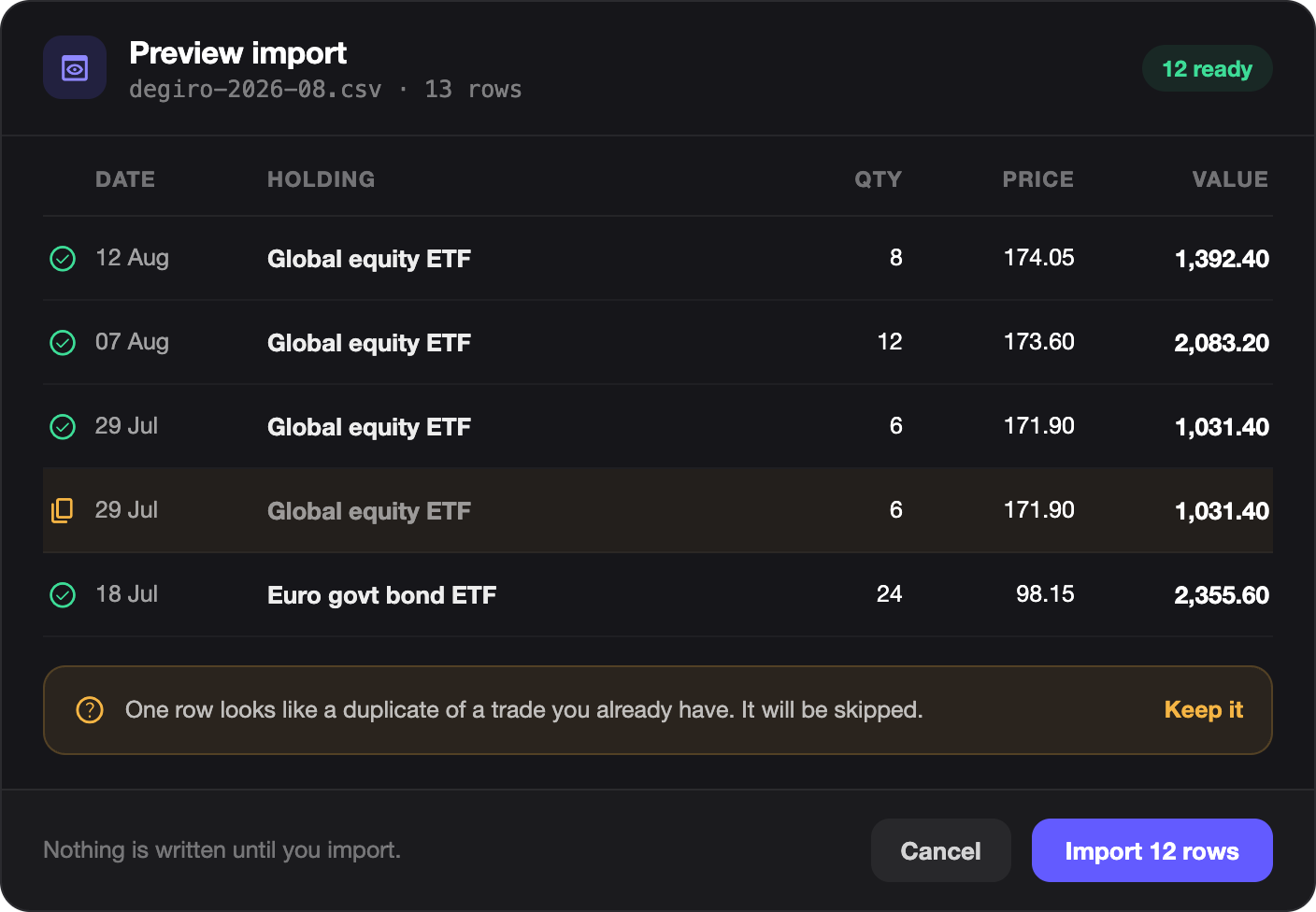
Check the total against the one printed on your statement. If those two agree, every line under them is right. The value of each holding is quantity times close, so a total that matches cannot be hiding a misread row.
If it disagrees, cancel. Nothing has been written.
The cash side is optional
You can name a funding account, the cash account the purchases were drawn from, and the import will move money out of it to match what went into the holdings.
Leave it empty and the holdings still import, with no cash movement at all. That is the right choice if the money left your accounts before you started keeping this ledger, or if your brokerage cash is not tracked here.
Which brokers this works with
It was written against an Interactive Brokers activity statement and it is honest to say that is the one layout it has been proven on.
But it is not really an IBKR feature. It looks for the heading that opens a holdings table (Open Positions, Holdings, Portfolio Holdings and several others), then finds each row by the shape every statement shares: a ticker, followed by numbers. It recovers the market value from an identity no broker can print differently:
value = quantity × closing price
So the honest instruction is: try it. If your broker’s PDF is text rather than a scan, and its holdings sit in a table with a heading, there is a good chance it simply works. And if it does not, you find out at the preview, before anything is saved, which is the only place a wrong parse is cheap.
Two things do defeat it. A scanned statement is a photograph of a page. There is no text in the file to read, and no amount of anchoring finds a table in a picture. And a statement that names three different currencies without labelling its base makes the app fall back to US dollars rather than guess; if your holdings are not in dollars, check the currency on the preview before you accept it.
Undoing a month
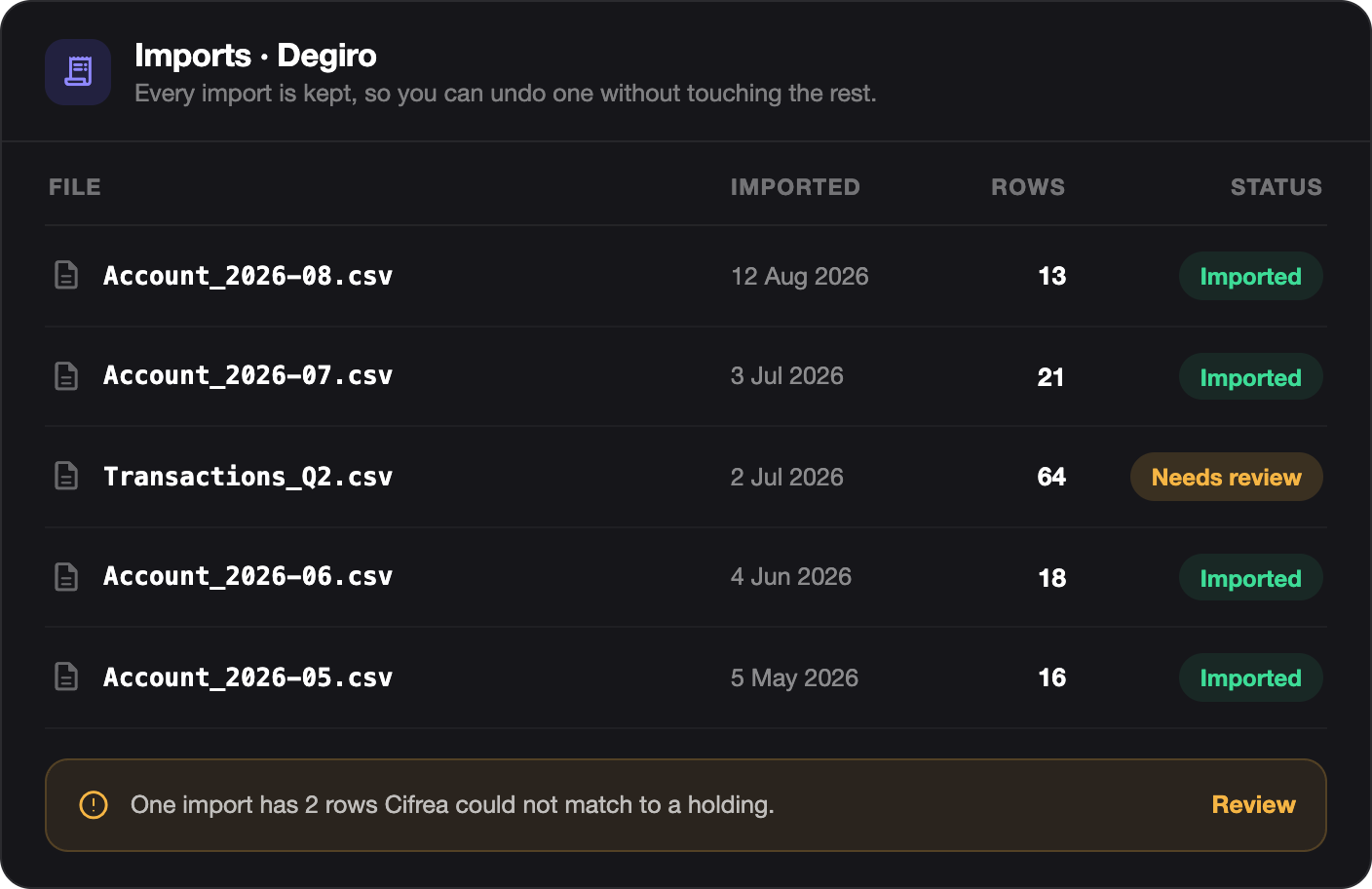
Each month’s quantities are recorded as the change from the month before, so the months are a chain rather than a pile.
That is why removing an import removes that month and every month after it. It is not the app being cautious: leaving September in place while deleting August would leave September’s numbers describing a change from something that is no longer there.
Remove from the newest backwards, or remove all and re-import. Both are on the same screen.